
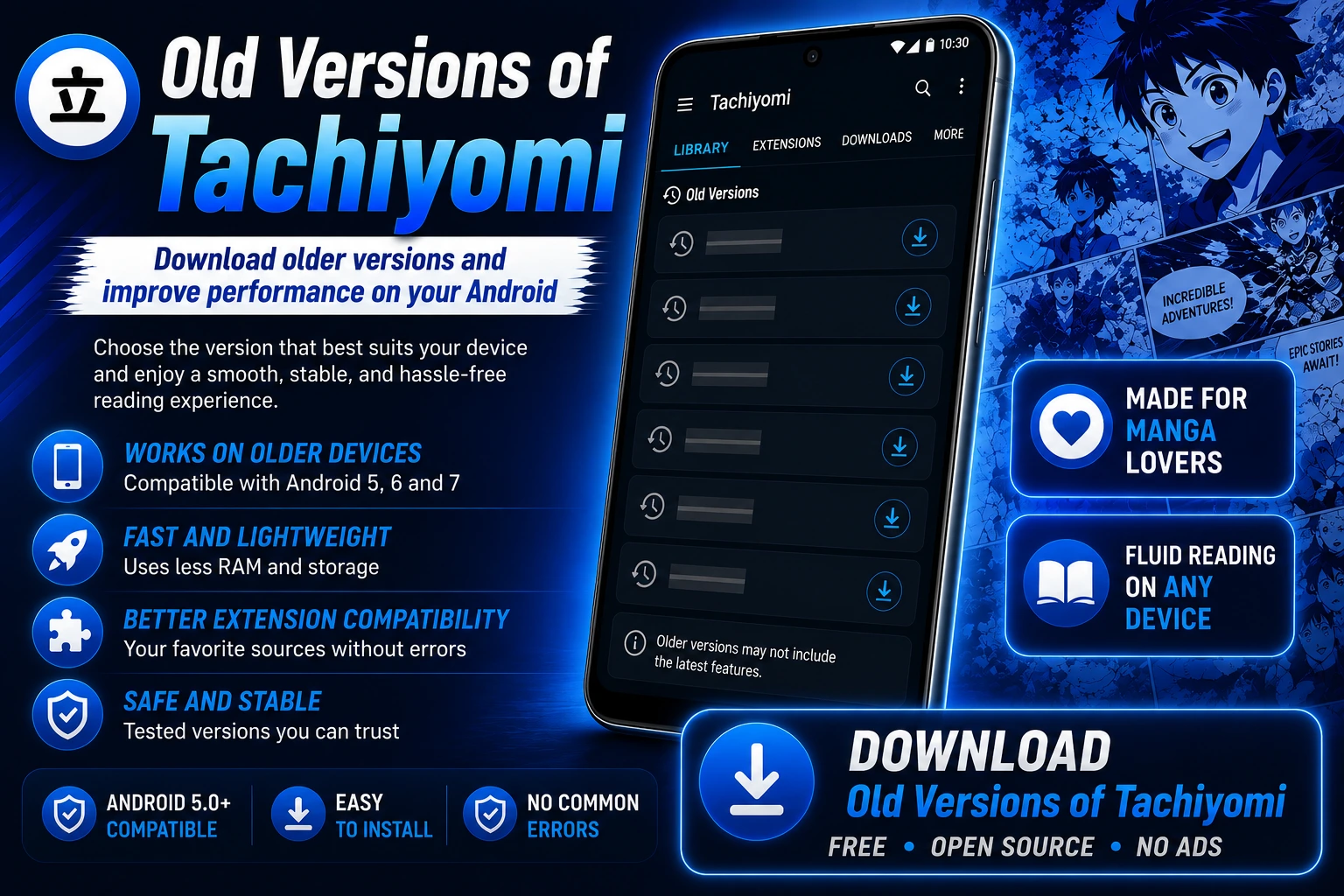
Old Versions of Tachiyomi APK, from 0.14.7 to 0.15.3,
Is your old Android phone having trouble running the latest version of Tachiyomi? Many Android 5, 6, or 7 users experience crashes, lag, or slow performance. That’s why many manga fans prefer the older versions of Tachiyomi, as they run smoothly on older devices. Choose the version compatible with your phone and download it for a better experience.
Tachiyomi
v0.15.3

Tachiyomi
v0.15.1
Tachiyomi
v0.15.0
Tachiyomi
v0.14.7
Tachiyomi
v0.14.6
Tachiyomi
v0.14.5
Why do people use Old Versions of Tachiyomi?
There are many reasons why users choose old versions of Tachiyomi over the latest version. These are the most common reasons:
It works best on older devices
Newer versions of Tachiyomi typically require more processing power and a newer Android system. This can slow them down or make them difficult to run on older phones. Older versions of Tachiyomi are lighter, so they run faster and provide a smoother experience on older devices.
Preferred design and features
Some users prefer Tachiyomi’s previous design and features. Updates may change the app’s appearance and functionality, which might not appeal to everyone. Using an older version offers a more familiar and comfortable experience.
Better extension support
Some Tachiyomi extensions may not work correctly with the latest updates. This can cause loading issues or missing sources. Using an older version may help your favorite extensions function smoothly.
Greater stability and fewer errors
Usually, new Tachiyomi updates may cause bugs or glitches. This can affect performance and user experience. On older phones, using a previous version may provide a more stable and smoother experience.
Which version should I choose?
Choosing the best version of Tachiyomi depends on your device, how you use it, and your personal preferences. Here’s a quick and easy guide to help you choose:
Better versions for older or low-end devices
If you’re using an older phone or a low-performance device, choose an older version, such as Tachiyomi v0.8 through v0.10. These versions are lightweight and run smoothly on older Android devices, even though they don’t include the latest features.
Better versions for stable performance
If you’re looking for a stable and reliable experience, choose versions like v0.12 to v0.14 of Tachiyomi. These versions offer a smooth interface and good support for extensions, especially on devices running Android 5.0 or higher.
The best option for getting the latest features and speed
If your device runs Android 7.0 or higher, Tachiyomi version 0.15.3 is an excellent choice. It features the latest functions, improved extension compatibility, and works smoothly on modern devices.
How to download and install Old Versions of Tachiyomi?
The following are the steps to download and install the Old Versions of Tachiyomi on your device:
1. Back up your data (optional)
- If you wish to preserve your library and settings, go to Settings > Backup > Export data in Tachiyomi. Save the file so you can restore your data later.
2. Enable unknown sources
- To install APK files, go to Settings > Security on your device.
- Enable the “Install from unknown sources” option in your browser or file manager.
3. Download the APK
- Visit a trusted website like https://tachiyomi.us/ to get Tachiyomi.
- Find your preferred version and download the APK file.
4. Install the APK
- After downloading, open the APK file from your device’s Downloads folder.
- Click Install and wait for the setup to finish.
5. Restore your data (if necessary)
- After installation, open Tachiyomi and restore the backup if you created one.
- Check your library and settings to make sure everything is working correctly.
Troubleshooting Guide
Usually, old versions of Tachiyomi may experience problems during use. Below are some common issues and simple solutions:
1. The application fails, or the APK file does not install
If Tachiyomi fails to install or continues to fail, try these solutions:
- Check compatibility: Make sure the version matches your Android system.
- Clear cache or uninstall updates: Remove the latest version before installing an older one.
- Download the APK file again: The file may be corrupted, so download it again from a trusted source.
2. Quickly resolve extension problems
If extensions are not loading or some Sources are missing in Tachiyomi, try these solutions:
- Reinstall extensions: Go to the Extensions section and reinstall them.
- Update extensions: Older versions may require you to manually update extensions to function correctly.
3. Lack of library or data after degradation
If your library or settings disappear in Tachiyomi after an upgrade to a previous version, try these solutions:
- Restore backup: Go to Settings > Backup and restore your saved data.
- Check your device storage: Look in your file manager for saved manga files and manually add them to Tachiyomi.
Pros and Cons – Older versions of Tachiyomi
| Version | Pros | Cons |
| v0.14.5 | Stable performance. Smooth reading experience. Works well on most devices. | Missing some newer features. Some extension issues may appear. |
| v0.14.6 | Improved stability over 0.14.5. Better extension support. Faster loading. | Only small updates. UI is still not fully modern. |
| v0.14.7 | Modern interface. Better compatibility with extensions. Good balance of speed and features. | Slightly heavy on older devices. Minor issues possible. |
| v0.15.0 | New features added. Improved UI and smoother navigation. Better overall performance. | The early version of 0.15 may have small bugs. Higher resource usage. |
| v0.15.1 | Bug fixes from 0.15.0. More stable and reliable. Improved reading experience. | Still uses more RAM than older versions. Not ideal for very old devices. |
| v0.15.3 | Latest official version. Best performance and smooth UI. Improved stability and features. | Larger app size. Higher battery and RAM usage. |
FAQS: Old Versions of Tachiyomi
Conclusion
Older versions of Tachiyomi are lightweight, load quickly, and run smoothly on low-end devices, offering access to a wide variety of manga. However, they may have some drawbacks, such as fewer updates and limited features. Download the version of Tachiyomi compatible with your device and enjoy your favorite manga without interruption.